WEMAIDE / INSIGHTS / GUIDES
7 Customer Portal Examples for Service Businesses
Seven customer portal examples for agencies and service businesses: files, approvals, project status, permissions and a practical first-release brief.
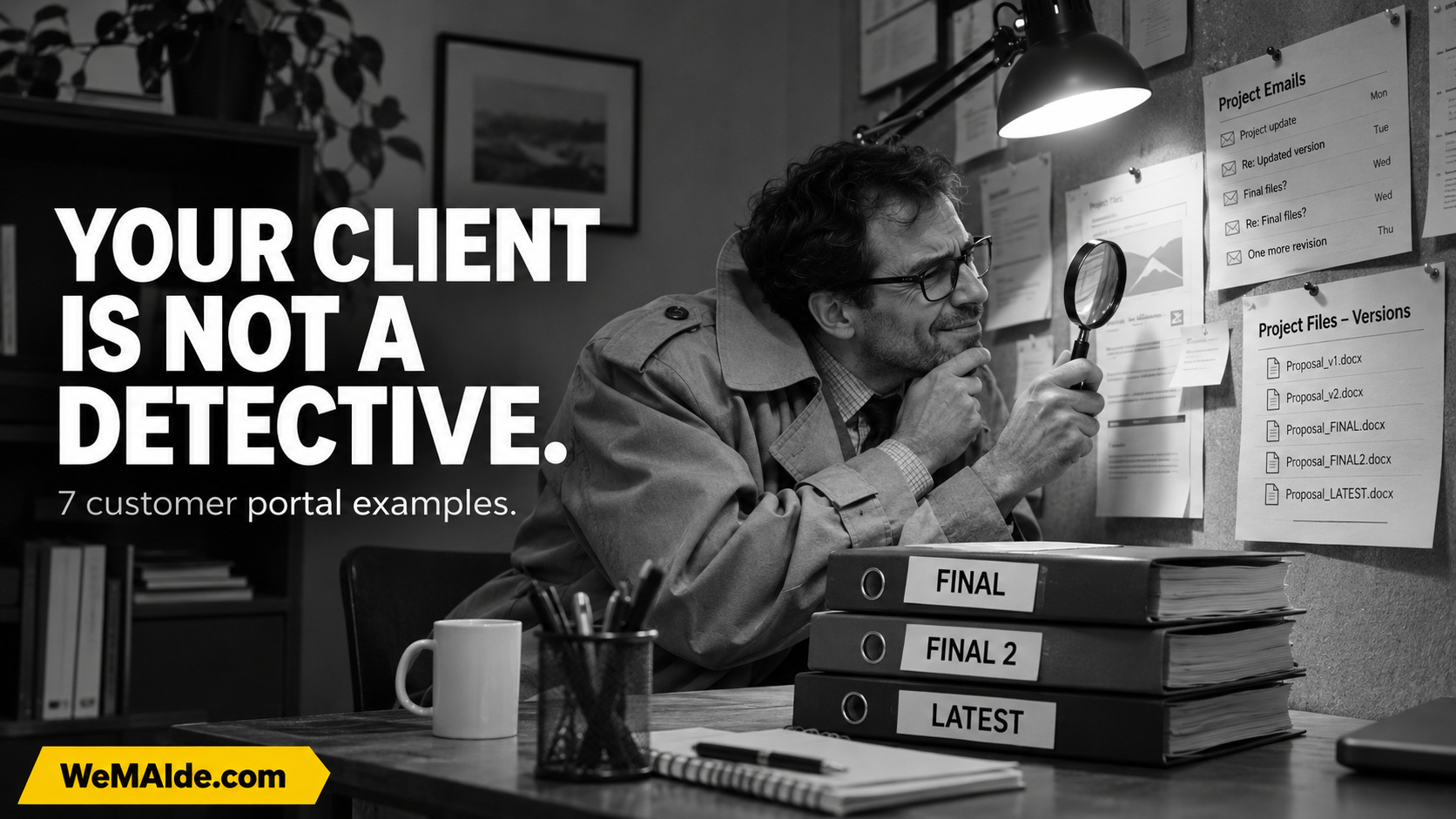
At 9:14, the client opens the email. At 9:18, they open the attachment. At 9:23, they discover the attachment is an old version. At 9:27, they have become the project detective. Nobody mentioned that in the proposal.
A customer portal is useful when it gives someone a reliable place to see what is happening, what they need to supply, what they are approving and what happens next. A login page on top of the same mystery will not help much.
For this WeMAIde study, we opened seven fictional case files from service businesses. Each has a specific missing record, a proposed portal screen, an operating owner and a small first release. The interfaces are illustrative concepts; they are not screenshots of seven client systems.
The investigation begins with an ordinary question: what did the customer have to search for the last time they contacted your team?
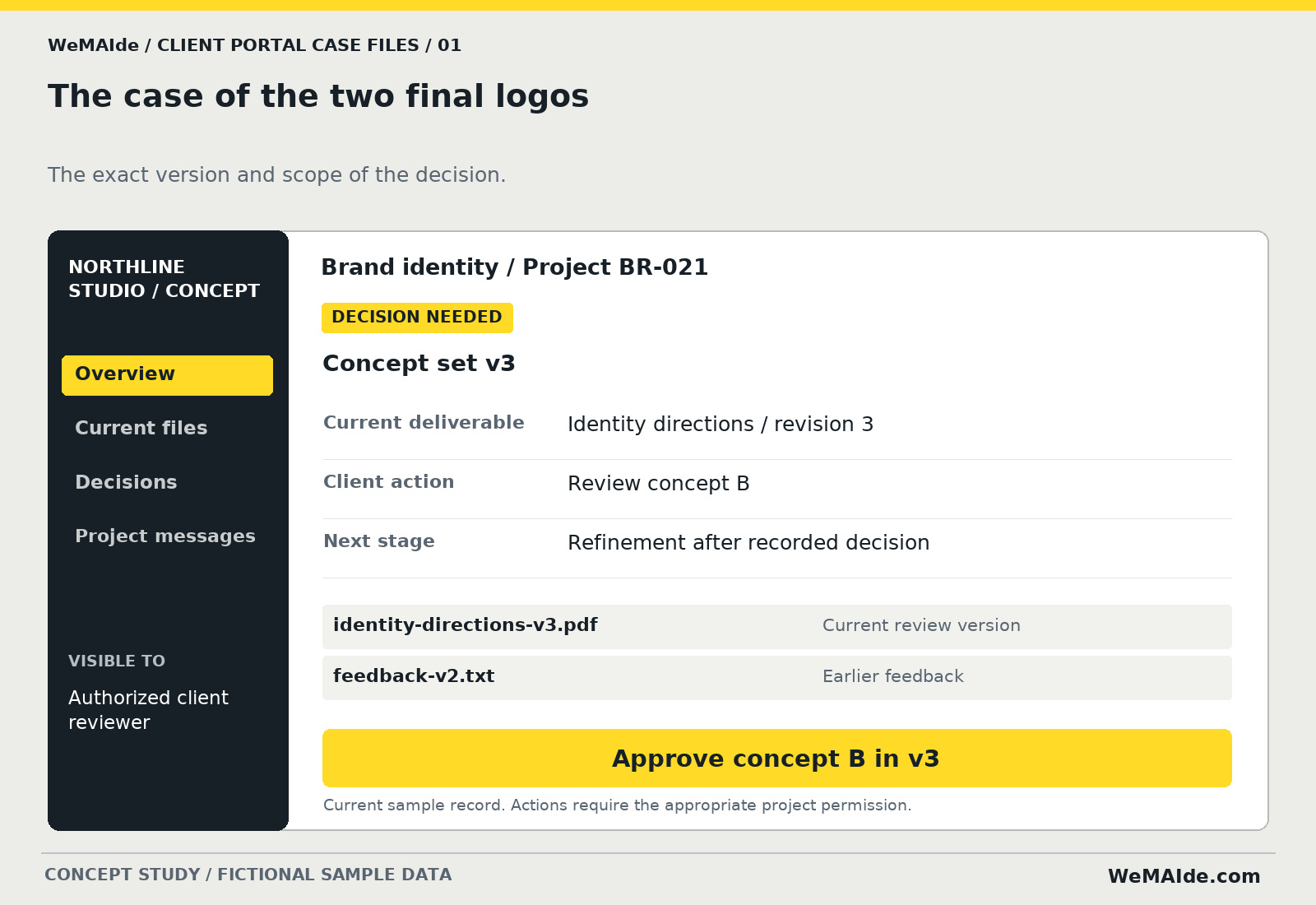
1. The case of the two final logos
The client approved a logo in one email while the designer was already preparing a different version. Both files have final in the name, which is apparently a very flexible word.
Missing record. The exact version and scope of the decision.
| Field | Example |
|---|---|
| Current deliverable | Identity directions / revision 3 |
| Client action | Review concept B |
| Next stage | Refinement after recorded decision |
- First release. One project page, versioned files, a review decision with a comment and a short history. A signed contract or legally binding e-signature system is a different product decision.
- Operating owner. The project lead publishes versions and records which reviewer may approve them.
- Access and state. Bind the decision to the actual version and choice. A new revision should make the old approval visibly historical.
- Acceptance check. Open v3, publish v4, then submit the old approval. Require a new review instead of applying v3's decision to v4.
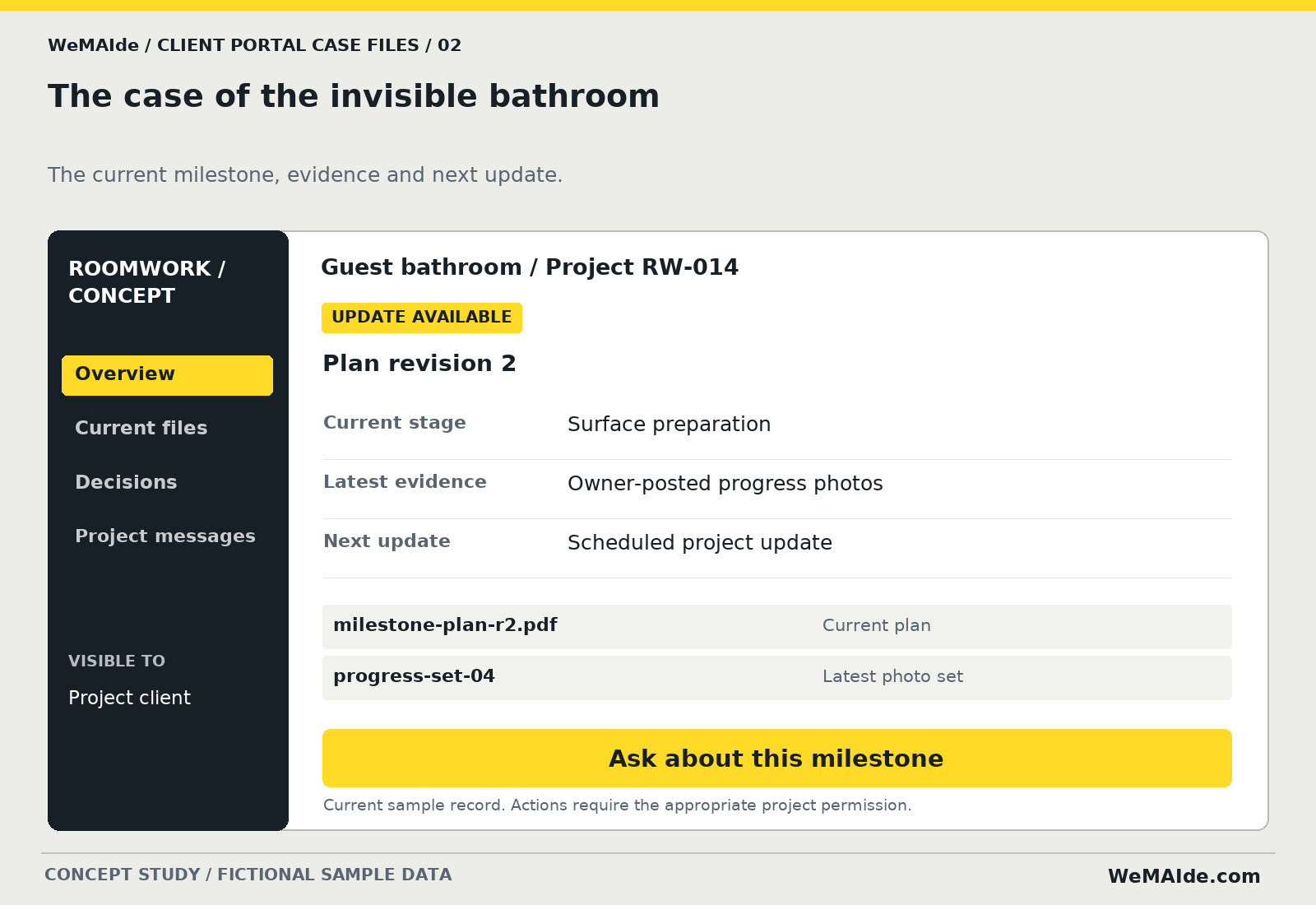
2. The case of the invisible bathroom
The contractor says work is moving. The customer sees a dusty photo from last week and a date that may have been a suggestion. The bathroom has acquired the plot structure of a mystery novel.
Missing record. The current milestone, evidence and next update.
| Field | Example |
|---|---|
| Current stage | Surface preparation |
| Latest evidence | Owner-posted progress photos |
| Next update | Scheduled project update |
- First release. A milestone view, dated evidence, the next planned update and one question route. It can work before connecting procurement or scheduling systems.
- Operating owner. The site or project manager posts dated updates and reviews schedule changes.
- Access and state. Keep estimated dates labeled as estimates. A customer change request should not silently alter price, scope or the work schedule.
- Acceptance check. Move a sample milestone and show who updated it, why, and which dates are provisional. Keep earlier progress evidence available to the permitted audience.
3. The case of 'looks good'
Looks good, says the message. The printer would quite reasonably like to know which file, which dimensions and whether that includes the quantity.
Missing record. A reviewed production specification tied to the proof.
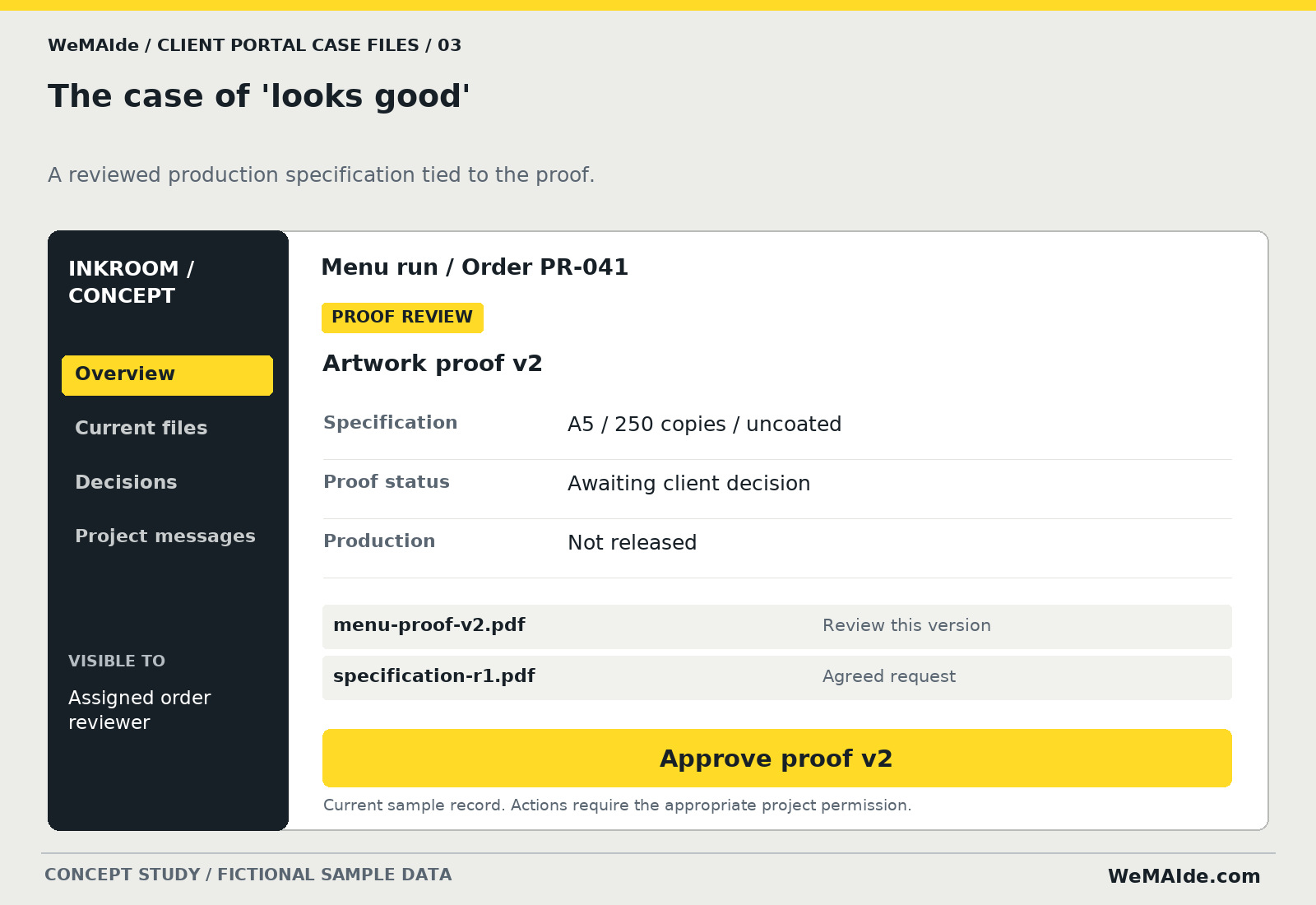
| Field | Example |
|---|---|
| Specification | A5 / 250 copies / uncoated |
| Proof status | Awaiting client decision |
| Production | Not released |
- First release. A proof page, readable specification and version-specific decision. Production release remains an explicit controlled step.
- Operating owner. The production coordinator controls proof publication and release to production.
- Access and state. A comment is not automatically an approval. A changed proof or quantity needs the chosen reapproval behavior before production release.
- Acceptance check. Approve v2 in sample data, then change quantity. Show that the old decision does not silently authorize the revised specification.
4. The case of the disappearing favorite
The client picked image 17. The photographer's current export has a different image 17. Everyone is now discussing the photograph next to the other photograph.
Missing record. Stable image identities and a submitted selection.
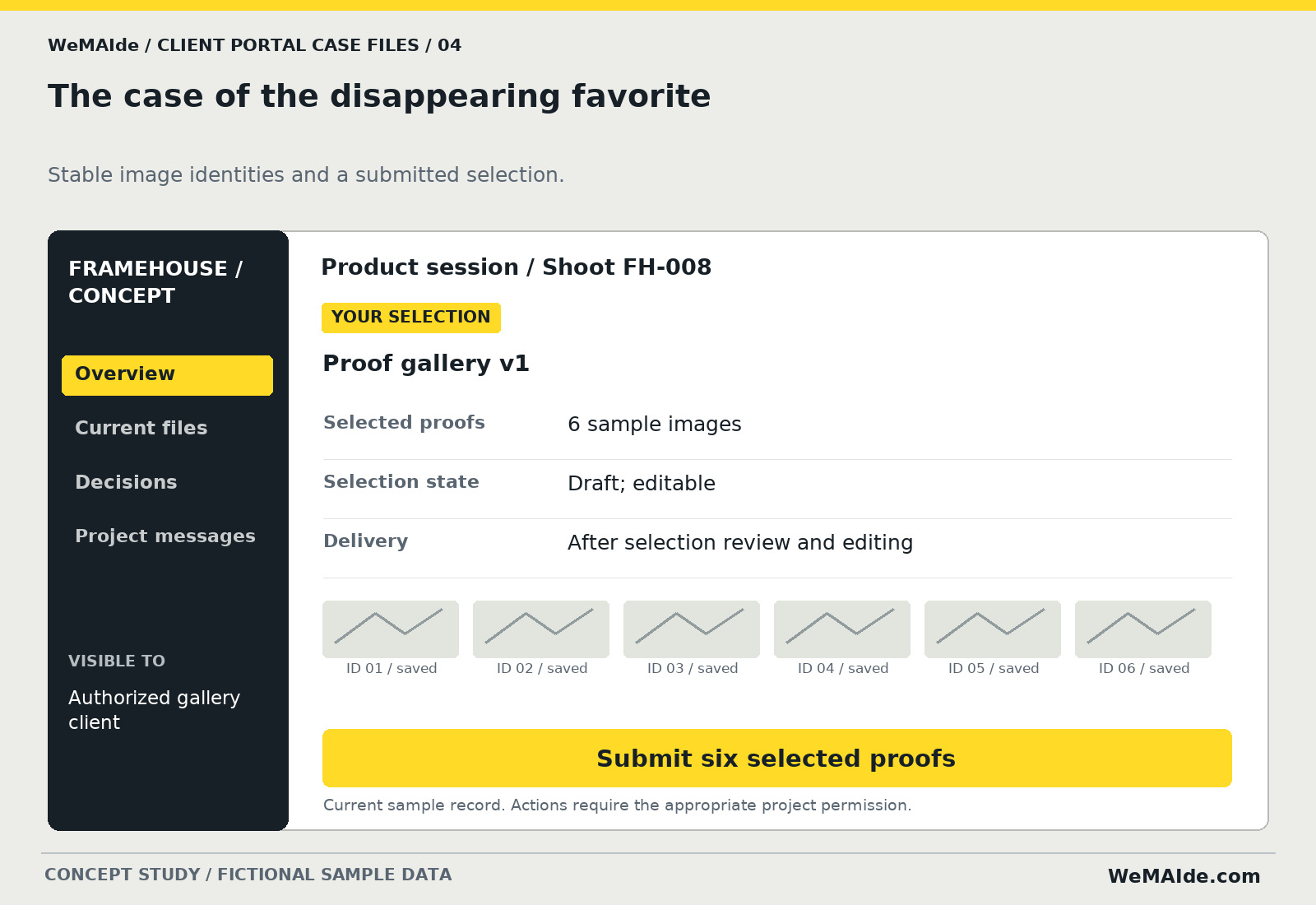
| Field | Example |
|---|---|
| Selected proofs | 6 sample images |
| Selection state | Draft; editable |
| Delivery | After selection review and editing |
- First release. A private proof gallery, stable item IDs, favorites and an explicit submission. Original-file delivery and download rights are separate decisions.
- Operating owner. The photographer publishes the proof set and acknowledges the submitted selection.
- Access and state. Use stable references rather than display position. Saving a favorite and submitting a final selection should look different.
- Acceptance check. Reorder the gallery and revisit it. The same images stay selected. A client from another project cannot open the private gallery.
5. The case of the missing charger
The device is at the workshop. The customer would like to know what arrived with it, whether an estimate exists and whether the status has changed since Tuesday.
Missing record. The accepted intake, current repair state and decision waiting on the customer.
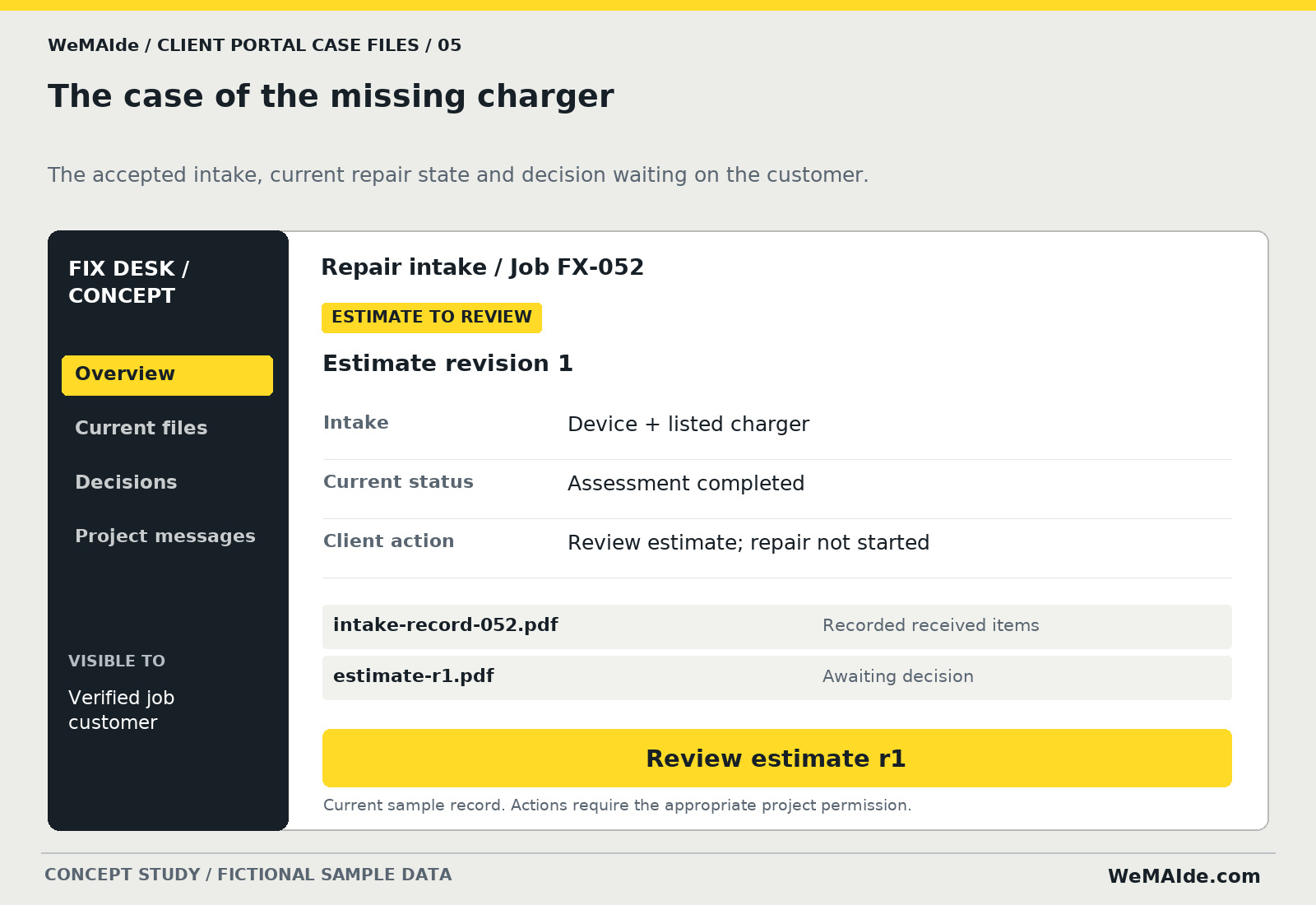
| Field | Example |
|---|---|
| Intake | Device + listed charger |
| Current status | Assessment completed |
| Client action | Review estimate; repair not started |
- First release. Intake details, an agreed status list, estimate review and a contact route. A technician's work system can remain the operating source.
- Operating owner. The workshop operator maintains the job and publishes estimate revisions.
- Access and state. A portal status should not invent a diagnosis, completion date or authorized spend. Repair authorization follows the defined decision process.
- Acceptance check. Change an estimate while an old tab is open. Show the current revision and require a decision on that revision.
6. The case of the spreadsheet nobody attached
The reminder says send the spreadsheet. The client sent a spreadsheet. The team wanted the other spreadsheet. This is how three people spend Thursday.
Missing record. A named requirement, its received file and its review status.
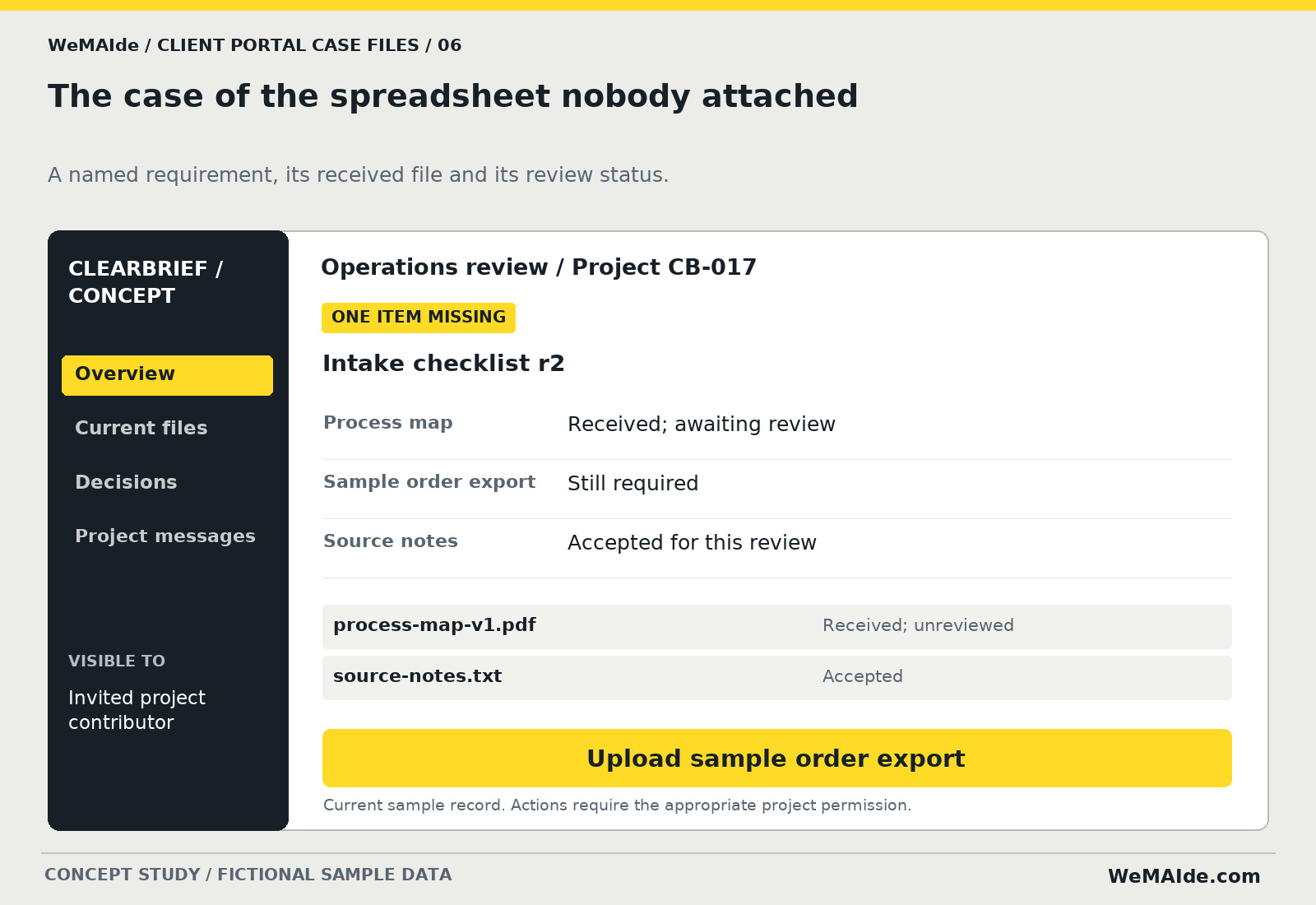
| Field | Example |
|---|---|
| Process map | Received; awaiting review |
| Sample order export | Still required |
| Source notes | Accepted for this review |
- First release. A requirement checklist, private uploads, received/reviewed states and one clarification thread. Ask only for the material the engagement actually needs.
- Operating owner. The consultant defines requirements, file limits and the person who reviews each submission.
- Access and state. A received file can still be the wrong file. Set access, accepted formats and retention behavior before inviting uploads.
- Acceptance check. Upload an unsupported sample and a valid but wrong document. Show different outcomes for rejected upload and a review that requests a replacement.
7. The case of the cake with three addresses
The venue changed the delivery entrance. The caterer received the new plan. The florist has the old one. The cake has more travel arrangements than the guests.
Missing record. A current plan with a role-appropriate view and visible changes.
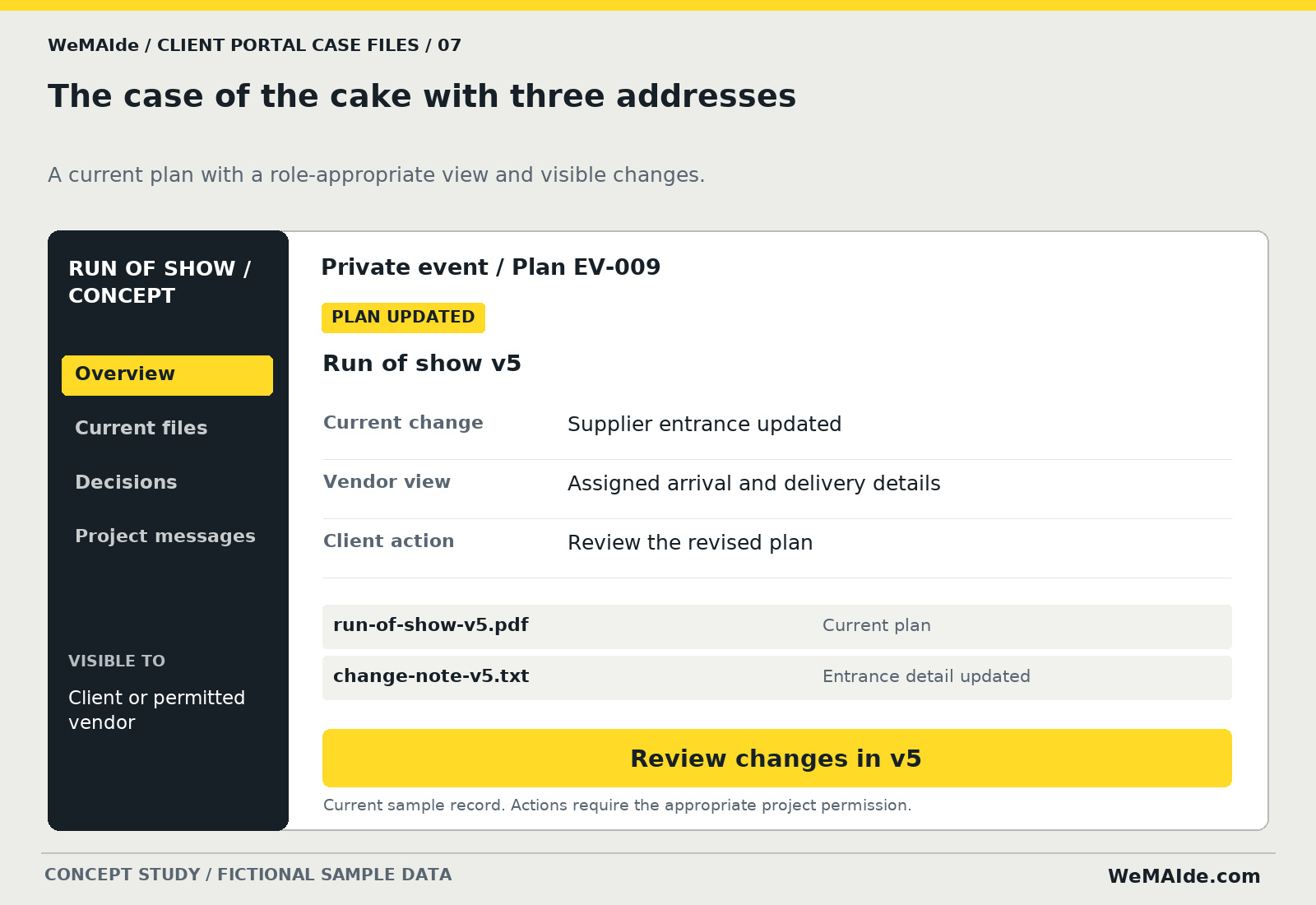
| Field | Example |
|---|---|
| Current change | Supplier entrance updated |
| Vendor view | Assigned arrival and delivery details |
| Client action | Review the revised plan |
- First release. One event plan, a change summary and separate client/vendor permissions. Do not expose the entire guest or supplier record to every participant.
- Operating owner. The event coordinator owns plan publication and who may see each section.
- Access and state. Sending an update and receiving an acknowledgement are distinct events. Define what happens when an important recipient has not acknowledged a change.
- Acceptance check. Give a sample vendor access to its delivery section. Check that unrelated client records are unavailable, including through direct file links.
The detective kit you can retire
List the last ten questions a customer asked your team. Which file is current? What do you need from me? Has the request been accepted? When will I hear back? A portal homepage should earn its place by answering a small set of those questions.
Start with an existing operating process. Decide which system holds the current status, who publishes it and what happens when it stops updating. A decorative progress bar cannot report progress that nobody records.
A password does not finish the permission model
Separate the customer organization, project, contributor and permitted action. Check permissions on the server for each request and protect the files themselves. A guessed project ID or copied file URL should not reveal another client's material.
Keep a readable decision history: actor, time, resource version and decision scope. Plan account removal, expired access and the operator's recovery path. The amount of control depends on the actual material and service; define it before promising a secure portal.
Close one case before building the whole precinct
Choose a first release such as versioned proof approval or a missing-document checklist. Demonstrate the client action, the receiving record and a stale or unauthorized request. Quote that complete journey, including administration and ongoing ownership.
WeMAIde develops custom web interfaces, application logic and integrations. These portal concepts show possible software briefs. We can work from the service you already deliver and the question your team keeps answering, rather than inventing another dashboard for customers to maintain.
Capture the client question, roles, ownership, access rules and first acceptance checks.
Security references
Original WeMAIde portal concepts and fictional case files, created with AI-assisted editorial material and artwork. Interface records and file names are sample data. No client deployments, legal-signature capabilities or measured outcomes are claimed.