WEMAIDE / INSIGHTS / GUIDES
Telegram Mini App development: from idea to a product people can use
A practical guide to planning, building and launching a Telegram Mini App without treating it as a smaller website.
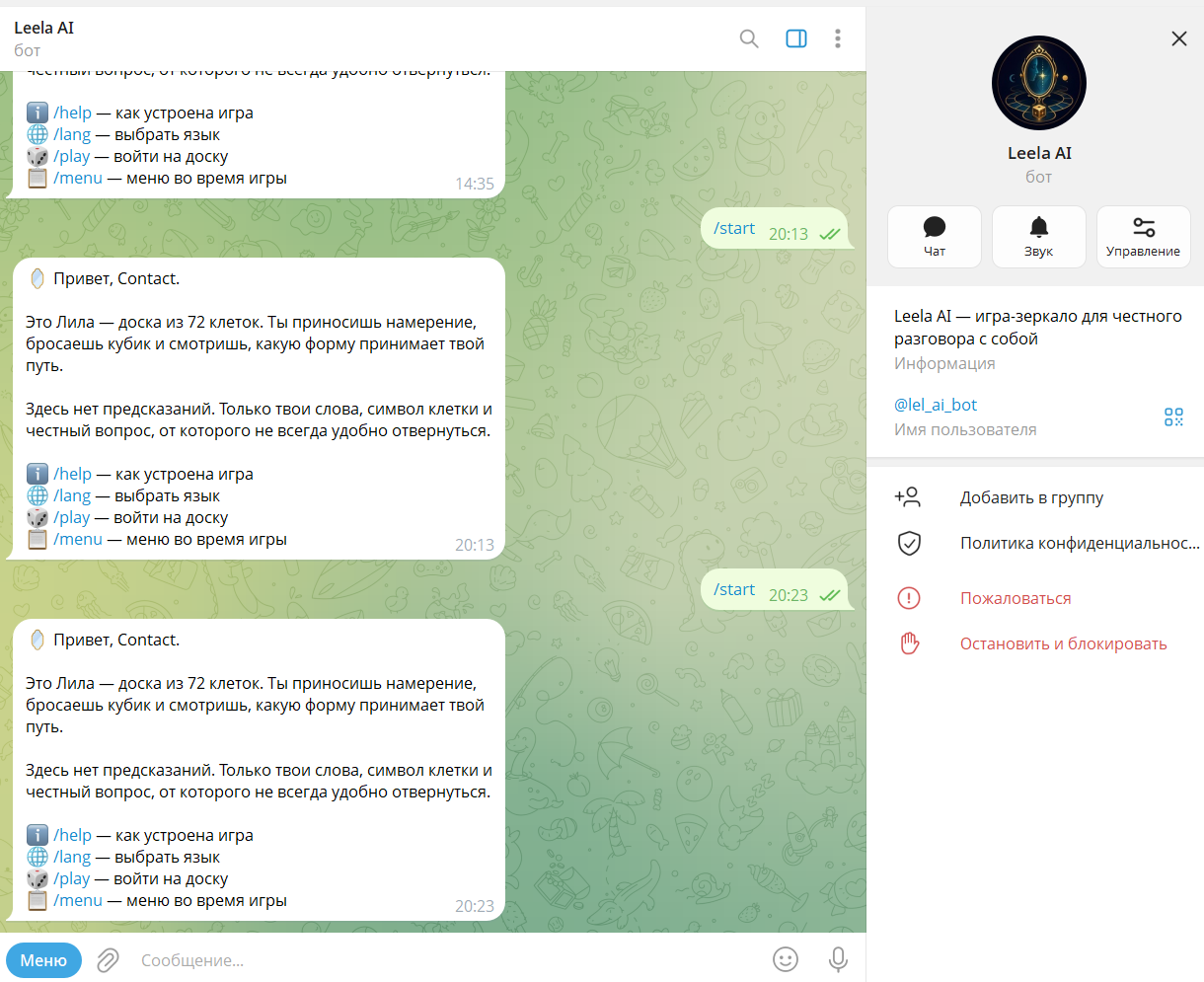
A Telegram Mini App is a web application that opens inside Telegram and works with the surrounding bot and Telegram client. That sounds simple, but the useful product decision is not whether a website can be placed inside a webview. It is whether Telegram should become the entry point, identity layer and distribution surface for the service.
The best Mini Apps remove a separate registration journey, start from a familiar conversation and complete one clear job quickly. They can support stores, booking, communities, internal tools, games, membership products and operational dashboards. The interface may use familiar web technology, but the product has to respect the way people enter, leave and return through Telegram.
Begin with the launch path
Telegram supports several ways to open a Mini App: a prominent app button on the bot profile, menu and keyboard buttons, inline actions and direct links with start parameters. The right launch path shapes the entire flow. A public consumer app may need a memorable profile and direct link. A support workflow may begin from a button under a bot message. A group experience may need the chat context.
- Define the exact moment when a user should leave the chat and enter the interface.
- Decide what context must travel with the launch: campaign, referral, account, order or group.
- Plan the return path so the user is not stranded after completing the task.
- Design an alternative message flow for errors, expired sessions and unsupported clients.
Treat identity data as untrusted input
A Mini App receives initialization data from Telegram. The client-side object is convenient for rendering, but authorization decisions belong on the server. The raw initialization payload should be validated before the application trusts a user ID, role or start parameter. This boundary is essential when the product exposes orders, paid access, personal records or administration tools.
Telegram launch → validate init data → create application session → load authorised state → complete task → return or notifyValidate the raw initData on the backend; initDataUnsafe is not a trusted identity record. Apply an auth_date freshness policy and the application’s own record permissions. Available initialization fields depend on the launch mode, so design a supported entry path rather than assuming every launch supplies the same identity.
Design for the Telegram container
The viewport can change, the keyboard can cover controls and users may switch themes. A Mini App should respond to Telegram theme variables, keep primary actions reachable and preserve state when the view is minimized. It should feel fast on a phone before it is decorated for a desktop screenshot.
Payments, notifications, media and external links each introduce platform-specific rules. We prefer to map those dependencies before UI production begins. A short technical discovery often prevents a beautiful prototype from becoming an awkward product later.
Worked scope: one booking, four responsibilities
Consider a proposed booking flow. This is a planning example, not a completed WeMAIde Mini App case. Its estimate follows the complete journey: open from an agreed entry point, select an available slot, confirm one booking and recover its current state after reopening.
| Part | Responsibility | Evidence of completion |
|---|---|---|
| Mini App | Slot selection, validation feedback and confirmation UI | The person can see loading, empty, error and completed states |
| Backend | Validate caller, authorise records, recheck availability and save one booking | The authoritative booking state is retrievable |
| Bot | Open the journey and deliver permitted notifications or recovery instructions | The person can return to the right record |
| Operator | Inspect failed or uncertain changes and resolve conflicting records | There is an agreed reconciliation path |
Acceptance checks before calling the Mini App complete
- Forged or missing required identity is rejected; stale sessions ask for a fresh supported launch.
- A valid Telegram identity cannot read or edit another person’s booking without application permission.
- Two submissions do not create two bookings; availability is checked at the write boundary.
- A failed or unconfirmed write does not display a success message.
- Reopening retrieves the authoritative state instead of trusting the last frontend screen.
- Keyboard, theme and viewport changes leave the primary controls usable.
These are proposed acceptance criteria, not claims about built-in Telegram guarantees. They make a quote comparable: the bot entry point, Mini App interface, backend changes and operator recovery are separate responsibilities within one usable product.
Launch the smallest complete loop
A useful first release includes one complete journey: open, identify, understand, act, receive confirmation and return. Analytics should distinguish a failed launch from an abandoned form and a completed action. The bot should remain useful as a notification and recovery channel, not become a decorative launcher.
A Mini App succeeds when Telegram removes friction from the product—not when the product merely happens to open inside Telegram.
For a new Telegram product, the practical deliverable is not just a frontend. It is the Mini App, the bot behavior, secure server validation, the data model, deployment, analytics and a release path that an account owner can operate after launch.